


A year ago I watched my dad — sixty-three, retired, allergic to anything with a settings menu — type “how do I write a thank-you speech” into ChatGPT and get a usable draft in eight seconds. He didn’t know what a large language model was. He didn’t need to. But two weeks later he asked me a question that stopped me cold: “So is this thing actually thinking, or is it just guessing really well?”
- What AI Actually Means
- How a Chatbot “Thinks”: The Honest, Simple Version
- The Five Things AI Is Genuinely Good At
- The Three Things AI Still Gets Wrong
- The AI Tools You’ll Actually Use in 2026
- Your First Week with AI: A Day-by-Day Plan
- Common Beginner Mistakes (And the Fix)
- Where to Go Next on This Site
- Frequently Asked Questions
- Final Thoughts
I realized I’d written prompt guides, tool comparisons, and risk breakdowns — but never the one article that explains what’s actually happening when you hit “send.” So here it is. No jargon you have to look up, no assumption that you already know what a chatbot is. Just a clear map of what AI is, how it works, and exactly where to go next.
What AI Actually Means
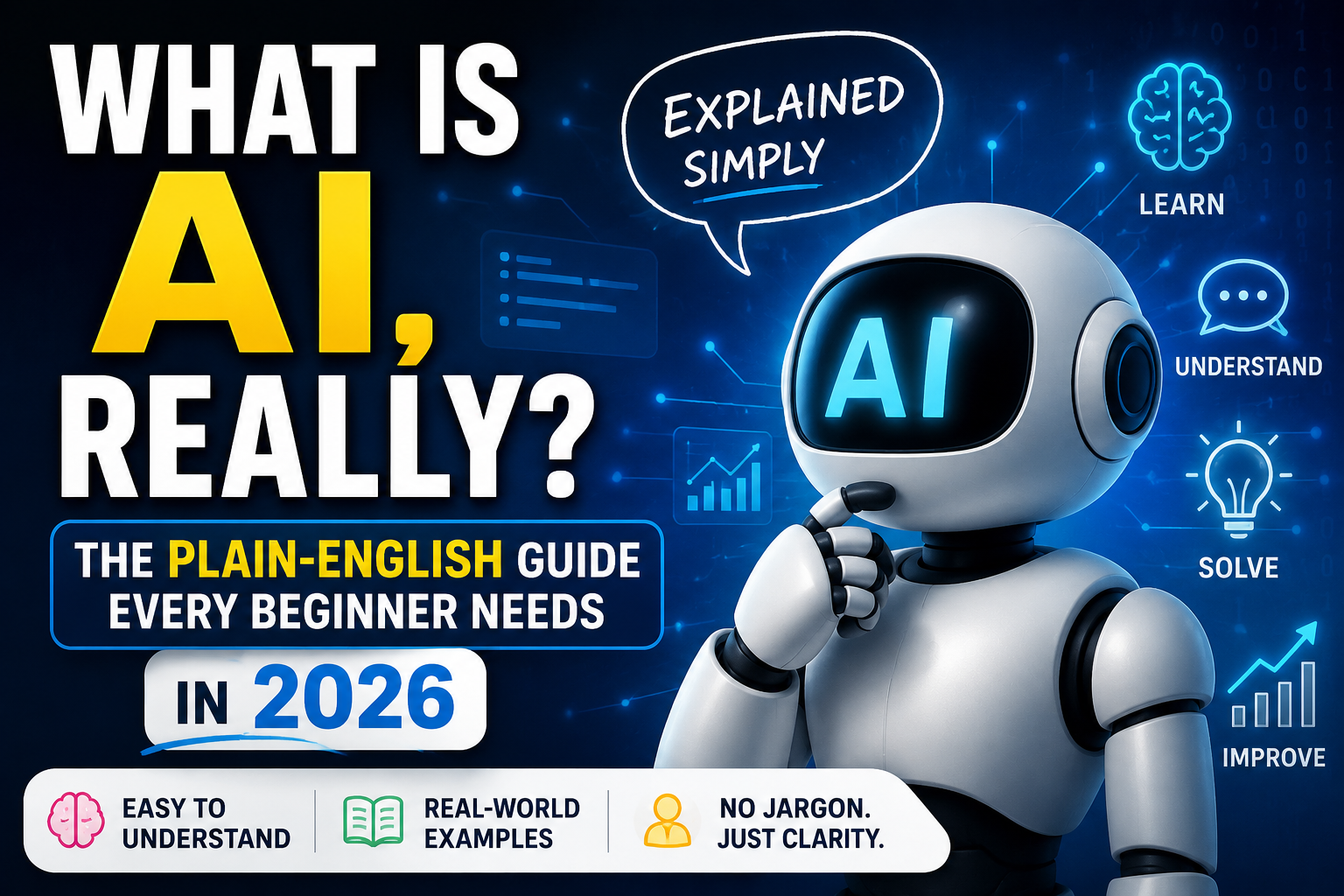
Strip away the marketing and “artificial intelligence” means one thing in 2026: software trained on enormous amounts of text, images, and code that learned to recognize patterns well enough to generate new, original output that looks like it was made by a person.
That’s it. There’s no robot brain, no consciousness, no secret reasoning happening behind the curtain. When you ask ChatGPT, Claude, or Gemini a question, you’re talking to a language model — a system that predicts, word by word, what a good answer would look like based on the patterns it learned from billions of examples.
Three terms get thrown around constantly, so let’s settle them once:
- AI is the umbrella term for any system that performs tasks we’d normally say require human intelligence.
- Machine learning is how most modern AI learns — by finding patterns in data instead of following hand-written rules.
- A large language model (LLM) — like the ones behind ChatGPT, Claude, and Gemini — is a specific type of AI trained on text, built to understand and generate language.
Every chatbot you’ve heard of is an LLM with a friendly interface wrapped around it. Once that clicks, the rest of this guide will make a lot more sense.
How a Chatbot “Thinks”: The Honest, Simple Version
Here’s the version I wish someone had explained to me on day one.
An LLM doesn’t search the internet in real time and it doesn’t “know” facts the way you do. During training, it read an enormous volume of text — books, articles, code, conversations — and learned the statistical relationships between words. Given the words “the capital of France is,” it learned that “Paris” is overwhelmingly the most likely next word. Stretch that idea across paragraphs, code, poems, and business plans, and you get something that feels like understanding, even though under the hood it’s pattern prediction at a massive scale.
This explains both AI’s biggest strength and its biggest weakness:
- The strength: it has absorbed patterns from a staggering range of human writing, so it can draft, summarize, explain, and brainstorm almost anything instantly.
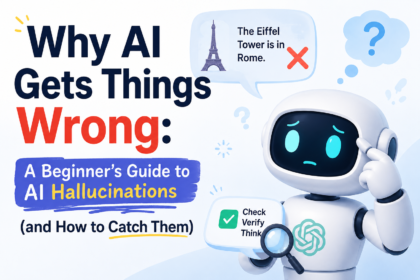
- The weakness: because it’s predicting plausible-sounding text rather than checking facts, it can produce something confident, fluent, and completely wrong — a problem called a “hallucination.” I’ve covered exactly how to guard against this in The Real Risks of Using AI, and it’s worth reading before you trust AI with anything important.
The Five Things AI Is Genuinely Good At
Skip the hype and the doom — here’s what actually holds up in daily use:
- First drafts. Emails, outlines, social captions, job descriptions. AI gets you from a blank page to something editable in seconds.
- Summarizing. Paste in a long report, contract, or meeting transcript and get the key points back in plain language.
- Explaining things simply. Ask it to explain a concept “like I’m new to this” and it adjusts instantly — no judgment, infinite patience.
- Brainstorming. When you’re stuck, AI is a tireless idea generator. Ask for ten options and pick the one that’s actually good.
- Repetitive writing tasks. Variations of the same email, product description, or social post at a scale no human wants to do manually.
The Three Things AI Still Gets Wrong
- Facts it’s unsure about. Dates, statistics, citations, and niche details are where hallucinations show up most. Always verify anything you didn’t already know.
- Anything requiring true judgment. AI can lay out the pros and cons of a business decision, but it has no stake in the outcome and no lived context. Treat its output as input to your decision, not the decision itself.
- Long-term memory of you. Most tools won’t remember last week’s conversation unless you’re using a feature built specifically for that. Give it context every time.
The AI Tools You’ll Actually Use in 2026
You don’t need ten subscriptions. Almost every beginner’s needs are covered by one general chatbot, plus maybe one specialist tool later.
- ChatGPT — the most widely used general-purpose assistant, strong across writing, research, and everyday tasks. If you haven’t used it yet, What Is ChatGPT and How Does It Actually Work? is the clearest starting point on this site.
- Claude — particularly strong at long-form writing, nuanced reasoning, and handling large documents.
- Gemini — Google’s model, useful if you live inside Gmail, Docs, and Google Workspace.
If you’re trying to decide which one to actually commit to, I broke down the real differences — not the marketing copy — in Claude vs ChatGPT vs Gemini: Which AI Is Best in 2026?
Your First Week with AI: A Day-by-Day Plan
This is the plan I give anyone starting from zero. No theory, just doing.
Day 1 — Pick one tool. Don’t try to compare five at once. Choose ChatGPT, Claude, or Gemini and create a free account.
Day 2 — Ask it to explain something you already understand. This calibrates your trust. If it explains a topic you know well accurately, you’ll have a better sense of when to trust it on topics you don’t.
Day 3 — Give it a real task. Draft a real email you need to send. Edit it instead of sending it as-is — this is the habit that matters most.
Day 4 — Learn to write a real prompt. Vague questions get vague answers. My step-by-step breakdown, How to Write the Perfect AI Prompt, will take you from one-line questions to instructions that actually produce usable output.
Day 5 — Try a structured prompt library. If you run a business or side project, AI Prompts for Business: 50 Ready-to-Use Prompts gives you copy-paste starting points instead of a blank cursor.
Day 6 — Learn the guardrails. Read The Real Risks of Using AI so you know what not to paste into a chatbot and how to fact-check what comes out.
Day 7 — Apply it to your world. If you run a business, see AI for Small Business Owners: 10 Ways to Work Smarter. If you’re a student, parent, or educator, How AI Is Changing Education covers what’s actually changing in classrooms right now.
By the end of the week, you’ll have gone from “what even is this” to using AI with real intent — which is further than most people get in a year of poking at it casually.
Common Beginner Mistakes (And the Fix)
- Asking one vague question and giving up. Treat the first answer as a draft. Follow up with “make it shorter,” “more specific,” or “explain why.”
- Pasting sensitive information without thinking. Client data, medical details, passwords — don’t paste anything you wouldn’t post publicly. Covered in depth in the risks guide linked above.
- Trusting a confident-sounding fact without checking it. Fluency is not accuracy. If a number, date, or quote matters, verify it.
- Using AI to replace thinking instead of speeding it up. The people who get the most value treat AI as a fast first draft and a sounding board — not a final answer.
Where to Go Next on This Site
Think of this article as the front door. Depending on what you need next:
- Want to choose the right chatbot? → Claude vs ChatGPT vs Gemini
- Want better results from your prompts? → How to Write the Perfect AI Prompt
- Running a business? → AI for Small Business Owners and AI Prompts for Business
- Worried about safety or privacy? → The Real Risks of Using AI
- Thinking about students or classrooms? → How AI Is Changing Education
- Want the full picture on ChatGPT specifically? → What Is ChatGPT and How Does It Actually Work?
Frequently Asked Questions
Is AI the same thing as ChatGPT? No. ChatGPT is one product built on an AI model. “AI” is the broader category that includes ChatGPT, Claude, Gemini, image generators, recommendation systems, and many tools you use without realizing it.
Does AI actually understand what I’m asking? Not in the human sense. It recognizes patterns in language well enough to generate relevant, coherent responses, but it has no awareness, beliefs, or understanding the way a person does.
Do I need to pay for AI to get useful results as a beginner? No. Free tiers of ChatGPT, Claude, and Gemini are more than enough to learn the basics and handle everyday tasks. Upgrade only once you hit a specific limit, like longer documents or higher usage.
Is it safe to use AI for personal or business information? Be selective. Avoid pasting sensitive details into tools you haven’t checked the privacy settings on. The full breakdown is in The Real Risks of Using AI.
What’s the single best way to get better at using AI? Use it daily on real tasks, and always write specific prompts instead of vague ones. The fastest path to real skill is in How to Write the Perfect AI Prompt.
Final Thoughts
AI isn’t magic and it isn’t a threat lurking in your laptop — it’s a very capable pattern-matching tool that’s only as useful as the instructions you give it and the judgment you apply to what it gives back. You don’t need to understand the math behind it. You just need to start, stay specific, and keep verifying what matters.
Pick one tool today, ask it one real question, and treat the answer as a draft. That’s the entire on-ramp. Everything else on this site builds from there.