

AI hallucinations happen when a chatbot gives you an answer that sounds confident and well written but is partly or completely false. They occur because AI predicts likely words instead of looking up verified facts. The good news: you can spot most of them and prevent many more with a few simple habits, which this beginner’s guide explains step by step.
What Are AI Hallucinations and Why Do They Happen?
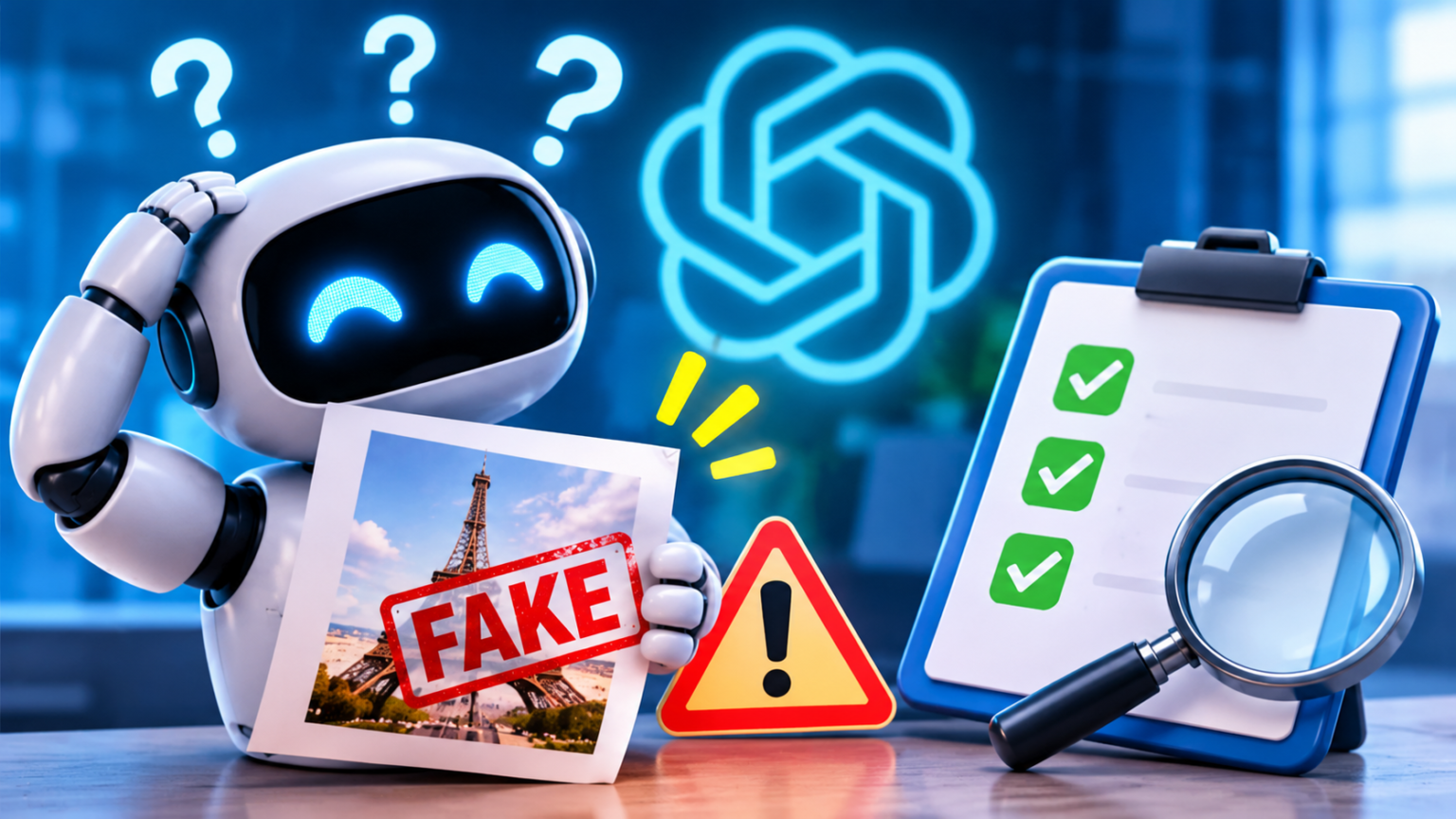
An AI hallucination is any output from an AI tool that is incorrect, invented or unsupported, yet presented as if it were true. The chatbot might name a book that doesn’t exist, quote a study nobody wrote or give you a date that is off by ten years.
The word “hallucination” is a little misleading. The AI is not seeing things or trying to lie. It has no intention at all. It is simply producing the most plausible-sounding answer, and sometimes plausible and true are not the same thing.
This matters because AI sounds so sure of itself. A wrong answer often comes in the same calm, polished tone as a correct one, so there is no obvious warning sign. Beginners are especially at risk, because they naturally assume that a fluent answer is a reliable one.
Hallucinations have already caused real problems. In a widely reported 2023 court case in the United States, lawyers submitted a legal brief that cited cases invented by a chatbot, and a judge sanctioned them. Students have turned in essays with fake sources, and businesses have published articles with wrong facts.
The lesson is not to avoid AI. It is to use it with your eyes open. If you are new to these tools, it helps to read what ChatGPT is and how it actually works first, then come back here to learn how to keep your results accurate.
How Chatbots Generate Answers: Prediction, Not Knowledge
To understand hallucinations, you need one simple idea: a chatbot does not look up answers in a database of facts. It is a language model that has learned patterns from enormous amounts of text.
When you ask a question, the model builds its reply one small piece at a time, always choosing what is likely to come next. Think of the autocomplete on your phone, but vastly more powerful. It is excellent at writing text that sounds right.
That is why AI is brilliant at explaining, rewriting and brainstorming, but sometimes shaky on exact details. A model may have seen a topic many times and handle it well, or it may have seen it rarely and fill in the gaps with a believable guess.
Several things make hallucinations more likely:
- Rare or niche topics. The less common the subject, the less the model has to rely on.
- Very specific details. Exact dates, numbers, page numbers, quotes and names are easy to get wrong.
- Recent events. Without web access, a model may not know what happened after its training ended.
- Leading questions. If you suggest an answer in your question, the AI may simply agree with you.
- Long, complicated requests. The more you ask at once, the more places an error can hide.
- Pressure to answer. Models are built to be helpful, so they often try to answer even when they should say “I’m not sure.”
Many chatbots can now search the web or read documents you upload, which reduces errors because the answer is based on a real source. Even then, the AI can misread or misreport what it finds, so checking still matters. If the technical vocabulary is new to you, our AI glossary for beginners explains terms like “model” and “training data” in plain English.
Common Types of AI Mistakes to Watch For
Not all errors look the same. Learning the most common types makes them much easier to catch.
1. Invented sources and citations. This is the most famous kind. The AI produces a realistic-looking article title, author, journal and link, but the source doesn’t exist. Never trust a citation until you have opened it yourself.
2. Wrong facts delivered confidently. A date, a statistic, the winner of an award or the capital of a small region can be wrong. The sentence reads perfectly, which is exactly why it fools people.
3. Made-up quotes. AI may attribute a sentence to a famous person who never said it. If a quote is surprisingly perfect for your argument, be suspicious.
4. Mixed-up details. The model blends two similar people, products or events into one. For example, it may give one company’s features to another.
5. Outdated information. The answer was true once but is no longer correct, such as old prices, rules, laws or product versions.
6. Math and logic slips. AI can make arithmetic errors or follow a flawed chain of reasoning while sounding perfectly logical.
7. Fake agreement. Sometimes the AI doesn’t invent facts but tells you what you seem to want to hear. If you push back on a correct answer, it may change it to a wrong one.
8. Summaries that add or miss things. When you ask for a summary, the AI may include details that weren’t in the original or leave out the most important point.
A simple way to remember all of this: AI is a fast and talented assistant, not a final authority. Treat its answers as a first draft that needs a quick review.
How to Spot and Prevent AI Hallucinations, Step by Step
You don’t need technical skills to reduce hallucinations. You need good prompts, a few verification habits and some common sense about when the stakes are high.
The table below shows how risky different tasks are and what to do about each one. Use it as a quick guide before you trust an answer.
| Task | Hallucination risk | Why | What to do |
|---|---|---|---|
| Brainstorming ideas | Low | There is no single right answer | Use freely and pick the best ideas |
| Rewriting or editing your own text | Low | The facts come from you | Check that the meaning didn’t change |
| Summarizing a document you provide | Low to medium | The source is in front of the AI | Compare the summary with the original |
| Explaining a well-known topic | Medium | Common knowledge is usually accurate, but details can slip | Confirm key points with a reliable source |
| Exact facts, dates, numbers and quotes | High | Details are easy to mix up or invent | Verify each one independently |
| Citations, links and studies | Very high | Fake sources look very convincing | Open every source yourself |
| Recent news and prices | High | Training data may be out of date | Use web search or official sites |
| Medical, legal and financial questions | High stakes | Errors can cause real harm | Use AI for background only; consult a professional |
The takeaway: the more specific and important the answer, the more carefully you should verify it.
Follow these steps to get more accurate answers:
- Write a clear, specific prompt. Vague questions invite vague, creative answers. Say exactly what you want, who the answer is for and the format you need. Our step-by-step guide on how to write the perfect AI prompt shows how.
- Give the AI the source material. Paste in the text, article or data you want it to use, and tell it to answer only from that material. This is one of the most effective ways to cut errors.
- Give it permission to say “I don’t know.” Add a line such as: “If you are not sure, say so instead of guessing.” This reduces confident nonsense.
- Ask for sources, then check them. Request links or references, but treat them as leads, not proof. Open each one and confirm it says what the AI claims.
- Use web search features when available. For current events, prices and recent changes, turn on the search or browsing option if your tool offers one, and review the pages it uses.
- Ask the AI to double-check itself. Try: “List the claims in your answer that you are least sure about.” It isn’t perfect, but it often highlights weak spots.
- Cross-check with a second source. Use an official website, a trusted publication or a second AI tool. If sources disagree, dig deeper before you decide.
- Verify the important details yourself. Names, numbers, dates, quotes, laws and medical facts deserve a manual check every time.
- Keep a human in charge of decisions. Use AI to prepare, draft and explain, but make the final call yourself.
These steps take only a few minutes and can save you from embarrassing or costly mistakes.
Prompts that reduce hallucinations:
- “Answer only using the text I provided. If the answer isn’t there, say so.” Keeps the AI anchored to your source.
- “If you are unsure, tell me instead of guessing.” Makes uncertainty acceptable.
- “Give your answer in steps and explain your reasoning.” Makes errors easier to see.
- “Which parts of this answer might be wrong or outdated?” Encourages a self-review.
- “Show me the exact sentence from the text that supports each claim.” Helps you check summaries quickly.
- “Don’t include any links or citations you cannot verify.” Reduces fake references, though you should still check what it provides.
Red flags that an answer may be wrong:
- It is oddly specific about obscure details, with no way to verify them.
- The source doesn’t exist or the link leads nowhere.
- The answer changes when you ask the same question twice.
- It agrees too easily when you challenge it, or flips its answer without a good reason.
- It sounds perfect for your argument, especially a quote or statistic.
- It conflicts with what trusted websites or experts say.
- It avoids the question with a long, smooth answer that never really states a fact.
A quick fact-checking checklist:
- Who said it? Find the original author or organization.
- When was it published? Make sure the information is current.
- Can I find it elsewhere? Look for at least two reliable sources.
- Is the source trustworthy? Prefer official sites, established publications and primary documents.
- Does the AI’s version match the source? Read the original, not just the AI’s summary.
Be extra careful with high-stakes topics. Health, law, taxes, investments, safety and anything involving your job or finances should never rely on an unverified AI answer. Use AI to understand the basics and prepare better questions, then confirm everything with a qualified professional.
Also think about privacy. Verifying facts sometimes tempts people to paste in sensitive documents. Before you do, review what your tool does with your data. Our guide on how to stop AI from training on your conversations walks through the settings in ChatGPT, Claude and Gemini.
Finally, remember that hallucinations affect more than text. AI-generated images, videos and voices can also be misleading, which is a related skill you can build with our beginner’s guide to spotting AI-generated media.
Frequently Asked Questions About AI Hallucinations
Why does AI make things up instead of saying it doesn’t know?
Because language models are trained to produce fluent, helpful-sounding text, not to measure their own certainty. They often continue a pattern even when they lack the facts. Asking the AI to admit uncertainty helps, but it doesn’t remove the problem entirely.
Do paid AI tools hallucinate less than free ones?
Newer and more advanced models are often more accurate, and some paid plans include better search and document tools. But no model is perfect. Paying more doesn’t remove the need to verify, so decide based on your needs, as we explain in our guide to free vs. paid AI.
Can I trust AI answers that include sources?
Sources make an answer easier to check, but they are not proof. Some links may be wrong, irrelevant or entirely invented, and a real source may not say what the AI claims. Always open the source and read the relevant part.
Will hallucinations ever disappear completely?
They are likely to become less frequent as tools improve, especially with web search and document grounding, but it is safer to assume they will never be zero. Building a habit of verification will keep serving you as the technology evolves.
Is it safe to use AI for school or work if it can be wrong?
Yes, as long as you use it as a helper and not as the final authority. Use it to brainstorm, outline, draft and explain, and then check the facts, add your own thinking and follow your school’s or employer’s rules on AI use.
What is the fastest way to check an AI answer?
Pick the two or three claims that matter most, such as a number, a name or a source, and search for them on a reliable website. If you can’t confirm a claim in a couple of minutes, don’t rely on it.
Conclusion
AI hallucinations are one of the most important things for beginners to understand. Chatbots are powerful, fast and often right, but they work by predicting words, not by checking facts. That is why a smooth answer is not always a true one.
Remember the essentials: write clear prompts, give the AI your source material, allow it to say “I don’t know,” verify important details yourself and use extra caution with health, legal and financial topics. Treat every answer as a draft, not a final verdict.
This week, try one small experiment. Ask your favorite chatbot a question about a topic you know well, then check its answer line by line. You will quickly learn where it shines and where it slips, and you will use AI with far more confidence from now on.