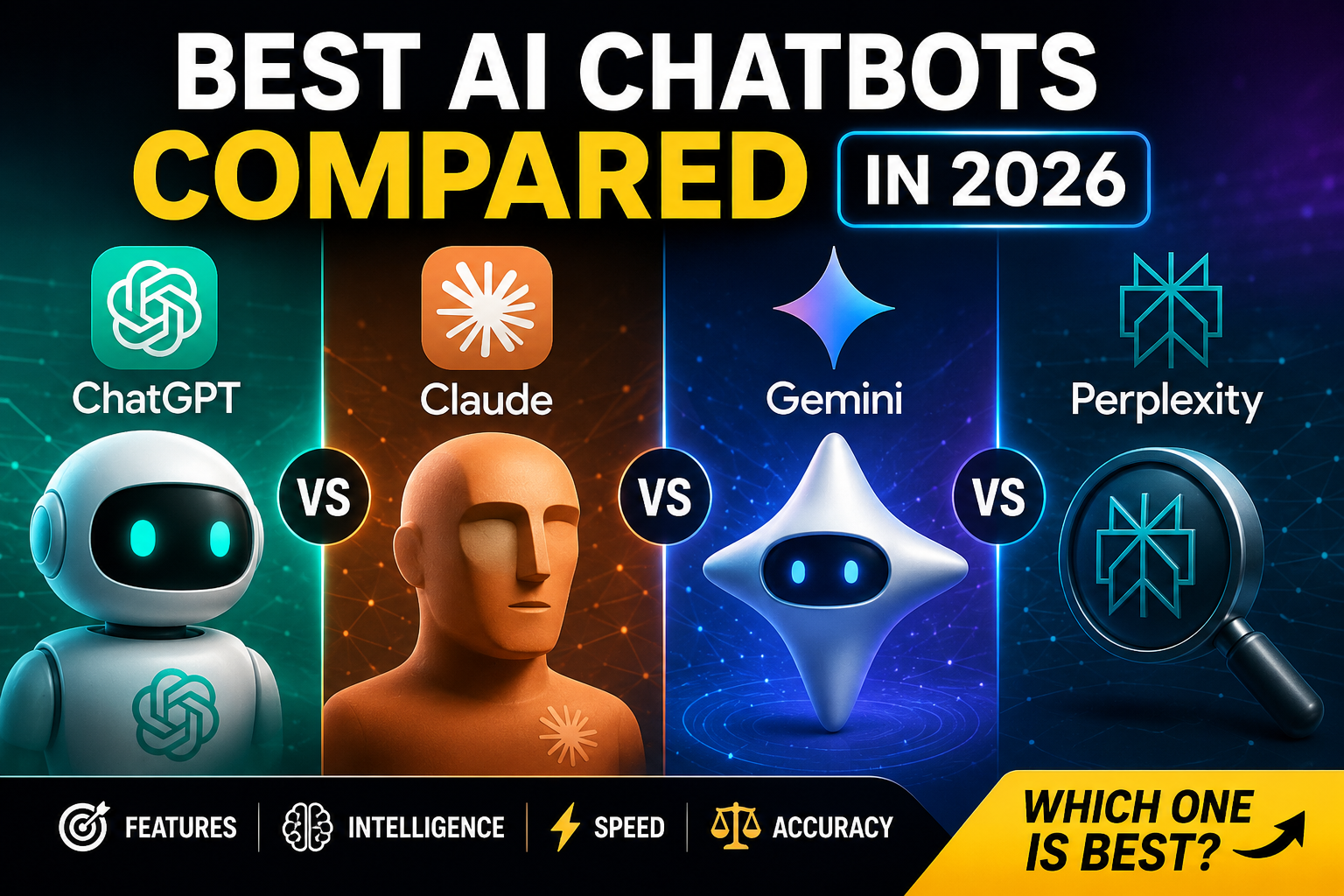
Three years ago “AI chatbot” meant one thing: ChatGPT. Today I have four different chatbot tabs open at any given time, and I switch between them mid-task more often than I switch browser tabs. That’s not indecision — it’s because each one is genuinely better at different jobs, and pretending there’s a single “best AI chatbot” wastes your time and, if you’re paying for more than one subscription, your money too.
- How I Compared These Tools
- The Quick Verdict
- Pick by Use Case
- ChatGPT: The All-Rounder
- Claude: The Writer and Thinker
- Gemini: The Google-Native Power Tool
- Perplexity: The Research Engine
- Side-by-Side Comparison
- Free Alternatives Worth Knowing
- How to Choose (Step by Step)
- A Note on Privacy and Data Use
- Frequently Asked Questions
- The Bottom Line
I spent three weeks running the same set of real tasks — coding help, long-document analysis, fact-checked research, creative writing, and everyday Q&A — through ChatGPT, Claude, Gemini, and Perplexity. Below is what actually held up.
How I Compared These Tools
I judged each chatbot on six criteria that actually predict whether you’ll keep using it:
- Reasoning quality — does it actually solve the problem, or just sound confident?
- Writing quality — does the output read like a person wrote it, or like a template?
- Accuracy and grounding — does it cite sources, or quietly make things up?
- Context handling — can it work with long documents, codebases, or multi-step projects without losing the thread?
- Speed and reliability — does it stay usable during peak hours?
- Pricing and access — what do you actually get for free vs. what requires a subscription?
A fairness note up front: all four of these tools update constantly. Model versions change, prices shift, and features that were “coming soon” in one test session sometimes ship by the next. Treat the comparisons below as a snapshot, and check each provider’s site before committing to an annual plan.
The Quick Verdict
If you only read one section, read this one.
- Best all-around daily driver: ChatGPT
- Best for long-form writing and nuanced reasoning: Claude
- Best for Google Workspace users and huge documents: Gemini
- Best for research you need to fact-check: Perplexity
- Best free option overall: Gemini’s free tier, followed closely by ChatGPT’s free tier
Most heavy users I know don’t settle on one. They keep a primary tool for daily work and a second one for the jobs the first one is weak at. If you’re just starting out, though, you only need one — the use-case table below will get you there fast.
Pick by Use Case
Skip the deep dives if you already know your job. Match it here:
| Your task | Use this | Why |
|---|---|---|
| Coding and debugging | ChatGPT or Claude | Both handle multi-file context well; Claude edges ahead on larger codebases |
| Long-form writing, editing, tone | Claude | Most natural prose, least “AI-sounding” output |
| Research with citations | Perplexity | Built around live web sources, not memory |
| Working inside Gmail, Docs, Sheets | Gemini | Native integration, no copy-pasting |
| Analyzing a 200-page PDF | Gemini or Claude | Largest practical context windows |
| Quick everyday questions | ChatGPT | Fastest, most polished free experience |
| Image generation alongside chat | ChatGPT (GPT Image) | Built-in, no separate tool needed |
ChatGPT: The All-Rounder
ChatGPT, from OpenAI, is still the default most people reach for, and after three weeks of side-by-side testing I understand why. It’s fast, it handles an enormous range of tasks competently, and the free tier is genuinely usable rather than a teaser.
Where it shines: breadth. Coding, brainstorming, image generation (via GPT Image), voice mode, custom GPTs for repeatable workflows, and a plugin/connector ecosystem that’s the most mature of the four. For someone who wants one tool that does “most things well,” this is still the safest pick.
Where it struggles: on very long documents it occasionally loses earlier context that Claude or Gemini retain. Its writing, while good, leans toward a recognizable rhythm that careful readers learn to spot — it benefits from editing more than Claude’s output does.
Pricing: Free tier with usage caps and access to a lighter model. Plus is $20/month with higher limits and access to the flagship model. Pro is $200/month for power users running heavy workloads. Team and Enterprise plans add admin controls and higher limits.
My take: Start here if you want the broadest toolkit with the least friction.
Claude: The Writer and Thinker
Claude, from Anthropic, is the one I reach for when the output actually needs to read well — client emails, long reports, anything where “sounds robotic” would be a real problem. It also handles large amounts of context unusually gracefully; feeding it a long contract or a sprawling codebase and asking nuanced follow-up questions is where it separates itself from the pack.
Where it shines: writing quality, careful reasoning on ambiguous questions, large-document and codebase analysis, and a noticeably lower rate of confidently-wrong answers on complex prompts. It’s also the most willing to push back or flag uncertainty instead of just agreeing with you.
Where it struggles: no native image generation, and its web search/citation flow isn’t as research-first as Perplexity’s. The free tier has tighter usage limits than ChatGPT’s.
Pricing: Free tier with daily limits. Pro is $20/month with higher limits and access to the most capable models. Max plans scale up for heavy individual use, and Team/Enterprise plans exist for organizations.
My take: If your output is words — reports, articles, code reviews, strategy documents — this is the one I’d pay for first.
Gemini: The Google-Native Power Tool
Gemini’s biggest advantage isn’t really about raw model quality — it’s about where it lives. If your work already happens in Gmail, Docs, Sheets, and Drive, Gemini removes the copy-paste step entirely, and that alone makes it worth testing even if you’re loyal to another chatbot for everything else.
Where it shines: native integration across Google Workspace, very large context windows that make it genuinely good at digesting huge documents or long video transcripts, and a strong free tier baked into many existing Google accounts.
Where it struggles: its conversational personality is the least distinctive of the four — competent but a little flat — and its non-Workspace features feel like they’re catching up rather than leading.
Pricing: Free access is available to most Google account holders with usage limits. Google AI Pro is bundled into some Google One plans; Google AI Ultra is the premium tier for the most capable models and highest limits.
My take: If you live in Google’s ecosystem, this is the path of least resistance — and it’s better than its reputation suggests.
Perplexity: The Research Engine
Perplexity isn’t trying to be a general chatbot — it’s built around one job: answering questions with sources you can actually check. Every answer comes with citations you can click through, which makes it the tool I trust most when accuracy matters more than personality.
Where it shines: live web grounding, transparent sourcing, a clean interface for comparing multiple answers, and a “Pro Search” mode that breaks complex questions into sub-searches before answering.
Where it struggles: it’s noticeably weaker than the other three for creative writing, long-form drafting, or open-ended brainstorming — that’s simply not what it’s optimized for.
Pricing: Free tier with daily limits on advanced search. Pro is $20/month with higher limits, more model choice, and file upload support.
My take: Keep this as your second tool for anything you need to fact-check or cite — it’s the only one of the four built specifically for that job.
Side-by-Side Comparison
| Tool | Best at | Weak spot | Free tier | Paid plan |
|---|---|---|---|---|
| ChatGPT | Breadth, image gen, ecosystem | Long-context drift | Yes, usable | $20/mo (Plus) |
| Claude | Writing quality, large documents | No native image gen | Yes, limited | $20/mo (Pro) |
| Gemini | Workspace integration, huge context | Less distinctive personality | Yes, generous | Bundled / $/mo varies |
| Perplexity | Cited research | Weak at creative writing | Yes, limited | $20/mo (Pro) |
Free Alternatives Worth Knowing
You don’t need to pay for anything to get real value. All four tools above have usable free tiers, and a few smaller players are worth a mention if budget is the deciding factor:
- DeepSeek — strong reasoning performance at no cost, popular for technical questions.
- Microsoft Copilot — free access to a capable model bundled into Edge and Windows.
- Meta AI — free, integrated into WhatsApp and Instagram, fine for everyday questions.
None of these beat the top four on their specialty, but if you’re testing whether AI chatbots fit your workflow at all before spending money, they’re a reasonable starting point.
How to Choose (Step by Step)
- Write down your actual job. “Help me code,” “help me write,” “help me research,” and “help me work faster in Google Docs” lead to four different answers.
- Match it to the use-case table above. Don’t overthink it — the table exists so you don’t have to read four deep-dive sections to get started.
- Test the free tier for a real task, not a toy prompt. Feed it something you’d actually use this week.
- Check how it handles a follow-up correction. This is the fastest way to tell reasoning quality apart — ask it to fix something it got slightly wrong and see how gracefully it adjusts.
- Only pay once you’ve hit the free limit doing real work. Most people upgrade too early, before they know which tool they’ll actually stick with.
- Keep a second tool for the gap. A Claude subscriber who occasionally needs cited research is well served by Perplexity’s free tier rather than forcing Claude to do a job it isn’t built for.
A Note on Privacy and Data Use
Each provider handles your data differently, and the defaults aren’t identical. Some plans use your conversations to improve future models unless you opt out; others, particularly business and enterprise tiers, exclude your data from training by default. If you’re discussing client work, proprietary code, or anything confidential, check the current data-use settings for whichever tool and plan you’re on rather than assuming — this is exactly the kind of detail that changes between provider updates.
Frequently Asked Questions
Which AI chatbot is best overall in 2026? There isn’t one universal winner. ChatGPT offers the broadest toolkit, Claude leads on writing and large-document reasoning, Gemini wins for Google Workspace users, and Perplexity is the strongest choice when you need cited, verifiable answers.
Do I need to pay for an AI chatbot? Not necessarily. All four major tools have free tiers that are genuinely usable for everyday questions, drafting, and light research. Paid plans matter most once you’re running into daily usage limits or need the most capable model for complex work.
Is Claude better than ChatGPT? For long-form writing, nuanced reasoning, and large-document analysis, many users — including in this comparison — find Claude’s output reads more naturally and handles complexity more carefully. ChatGPT remains the broader, faster all-rounder with native image generation.
Why does Perplexity cite sources and the others don’t always? Perplexity is built specifically as a research tool grounded in live web search, so citation is core to its design. ChatGPT, Claude, and Gemini can search the web and cite sources too, but it’s an added capability rather than the foundation of the product.
Can I use more than one AI chatbot at the same time? Yes, and most regular users do. A common setup is one tool for daily writing or coding work and a second, free-tier tool for the specific job the first one handles less well — for example, Claude for writing paired with Perplexity for fact-checking.
Which one is fastest? In day-to-day use, ChatGPT and Gemini’s lighter models tend to feel the fastest for short, simple questions. Response time also depends heavily on which specific model you’ve selected within each platform — flagship models are slower than lightweight ones across all four tools.
The Bottom Line
Stop looking for the one chatbot to rule them all — that search ends in subscription fatigue, not better output. The people getting the most out of AI chatbots in 2026 aren’t loyal to a single brand; they’ve matched specific tools to specific jobs and they switch without hesitation.
So pick your starting point today: ChatGPT if you want one tool that does most things well, Claude if your output needs to read like it was written by a careful person, Gemini if you live inside Google Workspace, Perplexity if you need answers you can actually verify. Test it on a real task this week, not a toy prompt — that’s the only test that tells you anything useful.