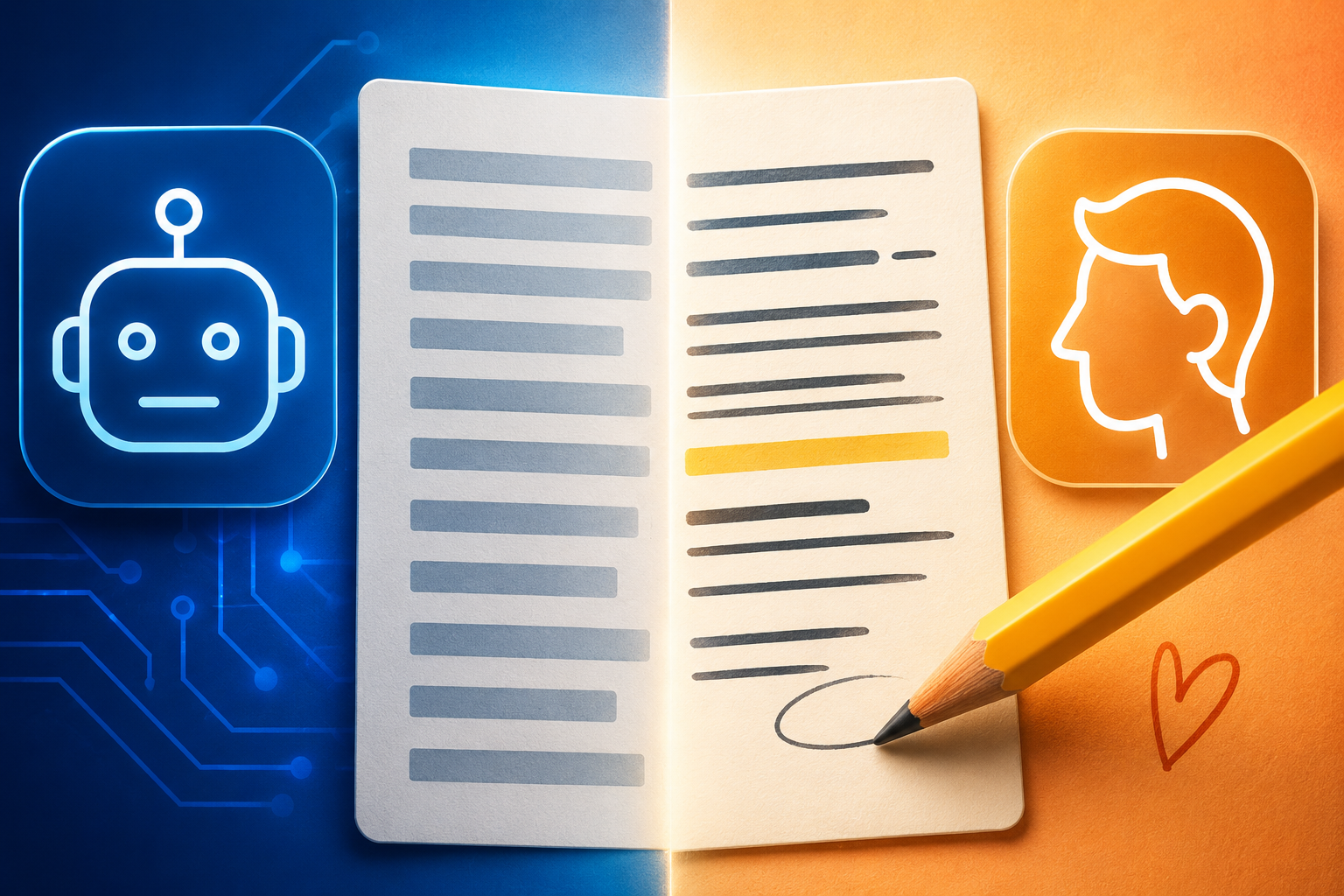
A few weeks ago, a reader sent me two paragraphs and asked which one was written by AI. Both were about the same topic, both were grammatically clean, and both technically answered the question. I got it wrong. Not because AI has suddenly become undetectable, but because the paragraph that “sounded human” had been edited by someone who knew exactly which five or six things to fix. The AI-written one, meanwhile, had been published exactly as it came out of the model, typos and all removed, nothing else touched.
- Why “AI-Sounding” Isn’t About Facts, It’s About Texture
- What You Need Before You Start Editing
- The Line-by-Line Editing Checklist
- Words and Phrases Worth Flagging on Sight
- A Real Before-and-After
- Building Your Own Editing Pass Into a Repeatable Prompt
- Mistakes That Undo All This Work
- How Much Editing Different Formats Actually Need
- FAQ
- Your Next Move
That’s the part nobody tells you when they hand you a prompt and say “this will save you hours.” It will, but only up to the point where the draft lands in your lap. What happens after that draft, the fifteen minutes of editing before you hit publish, is the actual difference between content that reads like a person and content that reads like a very competent, very average machine. I’ve spent the last few months building a repeatable editing pass for my own drafts, and this is the checklist that came out of it.
Why “AI-Sounding” Isn’t About Facts, It’s About Texture
People assume “this sounds like AI” means the content is wrong, or shallow, or generic in what it says. Usually it isn’t. Most AI drafts are factually fine and reasonably well organized. What gives them away is texture: the rhythm of the sentences, the way every paragraph resolves a little too neatly, the total absence of a stray detail that only a person who actually lived through the thing would think to mention.
This matters because it changes what you’re editing for. You’re not proofreading for errors, you’re hunting for smoothness. A human draft has bumps in it: an aside, an opinion stated a little too bluntly, a sentence that trails off because the point already landed. An unedited AI draft is smooth all the way through, and that smoothness is exactly what a reader (and, if you care about it, a detector) picks up on before they can even say why.
What You Need Before You Start Editing
- The raw AI draft, unedited, so you can see the “before” clearly instead of losing track of what you already changed.
- Fifteen to twenty minutes per piece. This isn’t a full rewrite. If you’re spending an hour per article, you’re either editing too hard or the prompt that generated the draft needs work, not just the output.
- A short style reference, even an informal one. If you’ve already put together a full guide, this is exactly the moment it earns its keep — see how to build an AI content style guide if you haven’t built one yet. If you don’t have one, this checklist still works, it’ll just take a little longer the first few times.
The Line-by-Line Editing Checklist
Pass 1: Kill the Opening Throat-Clear
AI models love to warm up before saying anything. “In today’s fast-paced digital landscape” and its many cousins exist purely to buy the model a sentence before it commits to a real point. Cut the first sentence of most AI drafts entirely and read what’s left. Nine times out of ten, the piece is stronger starting from sentence two, because sentence two is usually where the actual idea shows up.
Pass 2: Hunt the “Rule of Three” Habit
Watch for lists of exactly three adjectives, three benefits, or three examples, stacked in a row: “fast, flexible, and future-proof.” It’s a real writing pattern, but AI leans on it constantly, and once you notice it you can’t stop seeing it. Cut it down to one specific detail, or expand it into an actual example instead of a decorative trio.
Pass 3: Break the Symmetry
AI-generated paragraphs tend to be suspiciously even in length, and sentences inside them tend to follow a similar rhythm: subject, verb, object, comma, qualifier. Read a paragraph and ask if every sentence is roughly the same length. If yes, force one sentence short. Three words is fine. Real writers do this instinctively when they want to land a point. AI almost never does it unless you tell it to.
Pass 4: Replace the Summary Sentence
Almost every AI paragraph ends with a sentence that restates what the paragraph just said, slightly reworded. It’s the textual version of a drum roll that never resolves into anything. Delete it. If the paragraph made its point in the sentences before it, it doesn’t need a recap, and cutting the recap usually tightens the whole thing by a third.
Pass 5: Add One Detail That Couldn’t Be Guessed
This is the single highest-leverage edit on this whole list. Somewhere in the piece, add one specific, slightly odd detail that only comes from actually doing the thing: a number that isn’t round, a tool you tried and dropped, a mistake you made along the way. AI can write convincingly about a topic in general, but it can’t invent your Tuesday afternoon spent debugging a workflow that didn’t work the way the tutorial promised. That one detail does more to establish a human wrote this than five paragraphs of otherwise flawless prose.
Pass 6: Delete the Hedge Words
“It’s worth noting that,” “generally speaking,” “in many cases” — these soften a claim so it can’t be wrong, and a piece with too many of them starts to feel like it’s afraid of its own opinions. Go through the draft and cut every hedge phrase you find. If the sentence still holds up as a direct statement without it, the hedge was never doing any real work.
Pass 7: Fix the Transitions
AI drafts lean hard on “additionally,” “furthermore,” and “moreover” to link ideas that don’t actually need a formal connector. Read each transition and ask whether the two sentences would still make sense back to back with nothing between them. Usually they would. When a connector is genuinely doing work, keep it. When it’s just filler between two unrelated points, cut it and let the white space do the transitioning.
Pass 8: Read It Out Loud, Once, Fast
Skip the slow, careful read-through for this last pass. Read the piece quickly, out loud, the way you’d talk to someone across a table. Every spot where you stumble, or where you’d naturally say it differently than it’s written, mark it. This single pass catches more “this doesn’t sound like a person” moments than the previous seven combined, because your ear notices rhythm problems your eyes skim right past.
Words and Phrases Worth Flagging on Sight
A short, practical list to scan for once your first draft exists, without treating it as a rigid ban:
- Overused connectors: “moreover,” “furthermore,” “additionally” used more than once or twice per piece.
- Empty intensifiers: “truly,” “incredibly,” “significantly” attached to a claim that isn’t backed by a number or example.
- The recap sentence described in Pass 4, wherever it shows up.
- Perfectly balanced lists of three, described in Pass 2.
- “In conclusion” or “In summary” as a section opener — if the piece needs to announce that it’s wrapping up, the ending itself probably isn’t doing that job.
None of these are wrong in isolation. The problem is density. One hedge word in a thousand-word piece is invisible. Six of them is a pattern a reader feels even if they can’t name it.
A Real Before-and-After
Same paragraph, about switching project management tools, before and after a single editing pass.
Raw AI draft: “In today’s competitive business environment, choosing the right project management tool is more important than ever. There are many options available, each offering unique features and benefits. It’s worth noting that the right choice ultimately depends on your team’s specific needs and workflow.”
After editing: “I switched project management tools four times in two years before admitting the problem wasn’t the tool, it was that I kept picking based on what looked good in a demo instead of what my team would actually open every morning. The one that stuck was the one with the worst landing page.”
The second version isn’t longer, and it isn’t more “correct.” It’s specific in a way the first one structurally can’t be, because it commits to one real story instead of covering every possible reader’s situation at once. That specificity is what separates edited AI content from unedited AI content, and it’s the same principle covered from a slightly different angle in AI vs human writers: can AI really replace content creators?.
Building Your Own Editing Pass Into a Repeatable Prompt
Once you’ve run this checklist manually a handful of times, you’ll notice you’re catching the same three or four issues in almost every draft. At that point, it’s worth turning the checklist into a prompt you paste right after generating a draft, something like:
“Here’s a draft. Cut any opening sentence that’s just a generic warm-up. Flag any list of exactly three adjectives or benefits and suggest cutting it to one specific example instead. Flag any sentence that just restates the paragraph before it. Flag hedge words like ‘it’s worth noting’ or ‘generally speaking.’ Don’t rewrite anything yet, just show me what you’d flag and why.”
Asking the AI to flag rather than rewrite matters here. If you ask it to fix everything directly, you’ll often get a version that’s cleaner but still smooth in the same way the original was, because the model is fixing its own blind spots with the same blind spots. Flagging keeps the actual rewriting, especially Pass 5’s specific detail, in your hands, which is exactly where it has to stay.
Mistakes That Undo All This Work
Editing for grammar instead of texture. A grammatically perfect AI draft is still an AI draft. Fixing commas doesn’t fix rhythm.
Doing every pass on every piece, every time. Fifteen minutes is the target. If you’re spending an hour, you’re probably rewriting instead of editing, which usually means the prompt that produced the draft needs to change instead, something the complete AI content creation playbook covers in more depth if your whole system feels slower than it should.
Skipping Pass 5 because it feels like the hardest one. It’s the hardest one because it’s the one doing the most work. A piece with seven smooth AI-sounding edits and zero specific human details still reads as AI-sounding, just a slightly better version of it.
Forgetting that SEO structure and human texture aren’t the same job. You can nail keyword placement and heading structure and still hand a reader something that feels hollow. If ranking is the priority for a specific piece, it’s worth reading this alongside how to write SEO content with AI that actually ranks, since the two checklists solve different problems and neither one covers for the other.
Running the exact same edited piece through five different repurposed formats. A LinkedIn post, a script, and a blog intro all need a slightly different texture, not just a shorter word count. If you’re repurposing one piece into several, it’s worth applying a lighter version of this same pass to each output rather than assuming the editing from the original carries over, something the workflow in how to repurpose one piece of content into 10 pieces runs into directly.
How Much Editing Different Formats Actually Need
Long-form blog posts can absorb all eight passes without feeling over-edited, since there’s enough room for a specific detail or two to breathe without dominating the piece.
Social captions mostly live or die on Pass 1 and Pass 3. A generic opening kills a caption faster than anywhere else, since there’s no second paragraph to redeem it, and short, uneven sentence lengths read as more native to the format than a polished, even paragraph does.
Scripts need Pass 8 more than any other format, since every stumble you catch reading it out loud is a stumble a viewer or listener will actually hear. If scripts are a regular part of your workload, it’s worth pairing this checklist with the format-specific advice in how to create YouTube scripts with AI, since pacing on a page and pacing spoken out loud aren’t the same thing.
Emails need heavier hedge-word cutting than almost any other format, since AI defaults to a formality level most people don’t use when writing to someone they actually know.
FAQ
How long should this take once I’ve done it a few times?
Ten to fifteen minutes per piece once the checklist becomes a habit rather than something you’re consciously working through step by step. The first handful of times will take longer, since you’re training your eye to catch patterns you haven’t specifically looked for before.
Can I just ask the AI to “make it sound more human”?
You can ask, and it will change something, but usually not the right something. That instruction is too vague for the model to act on precisely, so it tends to add filler warmth (“Honestly, I think…”) rather than fixing the actual structural issues covered above. Specific instructions, like the ones in each pass, get you much further than a general request for a vaguer, “friendlier” tone.
Does this replace the need for a style guide?
No, and the two solve different problems. A style guide shapes the draft before it exists, so the model starts closer to your voice from the first sentence. This checklist catches what still slips through afterward, since even a solid style guide doesn’t eliminate every AI-flavored habit on its own. Using both together is where most of the real improvement happens.
Is this only about avoiding AI detectors?
No, and honestly that shouldn’t be the main reason to do it. Detectors are inconsistent enough that optimizing purely to beat one is a losing game. The real reason to run this checklist is that edited content is simply more enjoyable to read, detector or no detector, and readers who come back to your site are the ones actually worth writing for.
What if I don’t have time to do all eight passes?
Do Pass 1, Pass 5, and Pass 8 at minimum. Cutting the throat-clearing opener, adding one detail that couldn’t be guessed, and reading it out loud once catch the majority of what makes a piece feel unedited, even if you skip everything else on a busy day.
Your Next Move
Pull up the last piece of AI-assisted content you published without running it through anything like this, and read it against the checklist above. You’ll probably find at least four or five of these patterns sitting there untouched. That’s not a failure, it’s just what an unedited first draft looks like, from any source.
Pick one piece you’re about to publish this week and run all eight passes on it before it goes out, even if it takes longer than usual the first time. Then compare it side by side with something you published without this process. The difference won’t be in what the piece says. It’ll be in whether it feels like it was written by someone who was actually there.