The first time an AI chatbot confidently gave me a fake statistic, I didn’t catch it. I used it in a piece of writing, sent it off, and only found out it was wrong when someone else asked me for the source. I went looking for it, couldn’t find it anywhere, and realized the AI hadn’t made a mistake in the way a person makes a typo — it had simply invented a number that sounded exactly right, and said it with the same tone it uses for everything else.
- What Is an AI Hallucination, Really?
- Why AI Hallucinates: The Short, Honest Explanation
- The Different Types of AI Hallucinations
- Why This Matters More Than It Seems
- How to Catch an AI Hallucination: Step-by-Step
- Real Examples: Before and After
- Which Tasks Carry the Highest Hallucination Risk
- Common Mistakes Beginners Make (and How to Fix Them)
- A Simple Verification Checklist
- Frequently Asked Questions
- Why do AI models hallucinate instead of just saying “I don’t know”?
- Are some AI tools more prone to hallucinating than others?
- Does asking the AI to “be accurate” actually help?
- Can hallucinations happen even with a very simple question?
- Is it safe to use AI for medical, legal, or financial questions?
- Will this problem eventually go away completely?
- Your Next Move
That moment is the reason this guide exists. Nobody warns beginners about this clearly enough, and it’s arguably the single most important thing to understand before you start relying on AI for anything that matters.
What Is an AI Hallucination, Really?
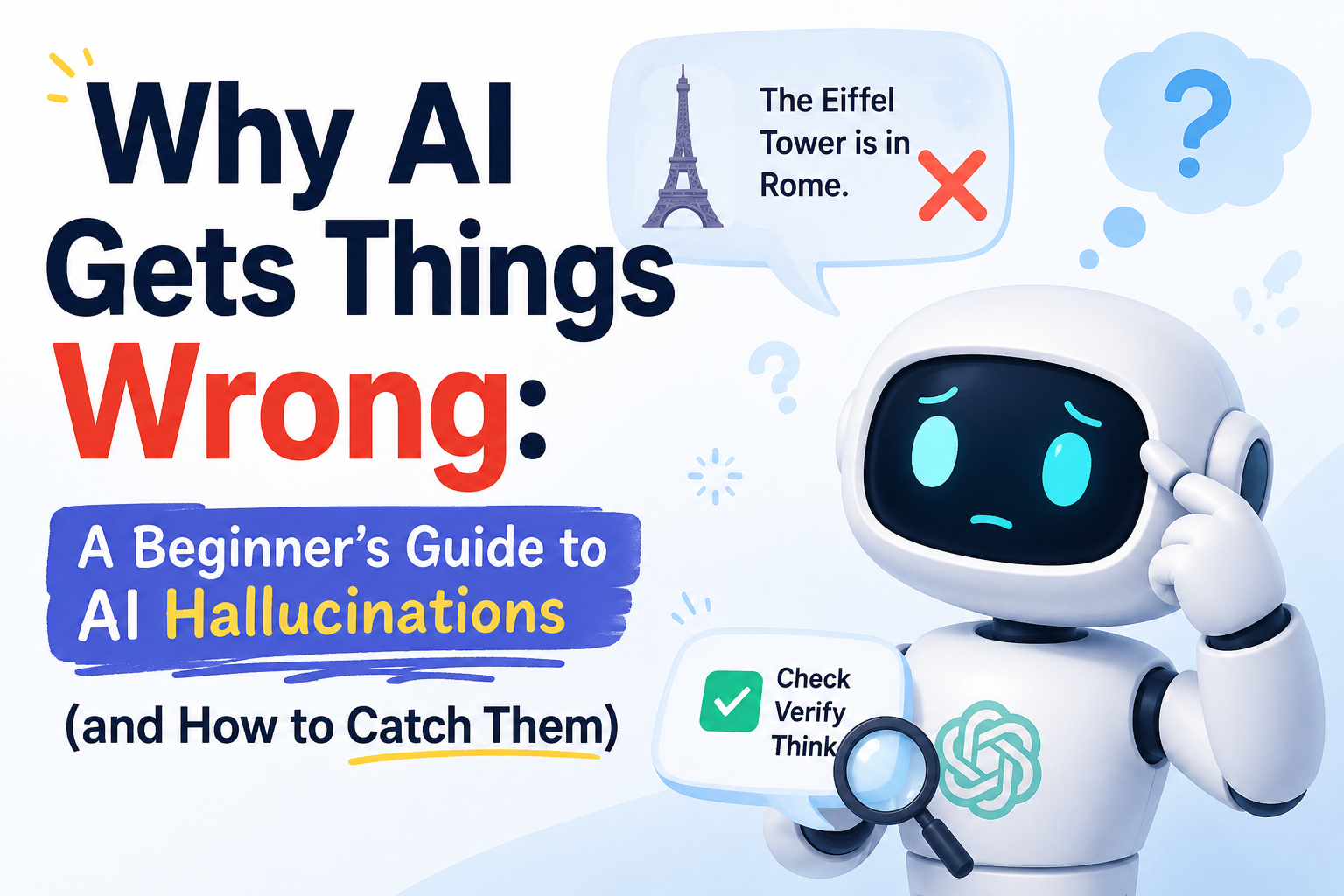
An AI hallucination is any confident, fluent answer that isn’t actually true. Not a typo, not a rough draft, not an obviously incomplete answer — a fully formed, well-written response that sounds exactly as trustworthy as everything else the AI says, except it’s wrong.
The word itself is a little misleading. The AI isn’t seeing things or malfunctioning in any dramatic way. It’s doing precisely what it was built to do: predicting the most statistically likely next words based on patterns in its training data. Most of the time, that produces accurate, useful answers. Occasionally, the most “statistically likely” answer is a plausible-sounding invention rather than a fact — and the AI has no internal alarm bell that goes off to warn you when that happens.
This is the part beginners find hardest to internalize: an AI hallucination doesn’t look different from a correct answer. It’s written in the same confident voice, formatted the same way, and delivered with the same apparent certainty. That’s exactly why it’s dangerous, and exactly why this guide is worth the fifteen minutes it takes to read.
Why AI Hallucinates: The Short, Honest Explanation
Without getting deep into the technical weeds, here’s the core of it. AI language models are trained to predict text, not to verify facts against a database. They generate an answer one piece at a time, based on patterns learned from enormous amounts of text, and none of that process includes an actual fact-check step before the words reach your screen.
Some tools reduce this risk by searching the live web and grounding their answer in what they find, which is meaningfully more reliable than an answer generated purely from training data. But even web-grounded answers can misread a source, blend two different facts together, or misattribute a quote — so “it searched the internet for this” reduces the risk without eliminating it.
The practical takeaway isn’t that AI is untrustworthy across the board. It’s that fluency and accuracy are two completely different things, and an AI model is optimized far more heavily for the first than it is guaranteed to deliver the second.
The Different Types of AI Hallucinations
Not all hallucinations look the same, and recognizing the pattern makes them much easier to catch in the wild.
1. Factual Hallucinations
This is the most straightforward type: a wrong date, a wrong number, a wrong name, a statistic that simply doesn’t exist. These are usually the easiest to catch because they’re specific and checkable — the danger is only in not bothering to check them.
2. Fabricated Sources and Citations
This one is sneakier. Ask an AI model to cite a study or a source, and it may generate something that looks exactly like a real citation — a plausible author name, a plausible-sounding journal, even a plausible year — that doesn’t correspond to any real publication. The format is convincing precisely because the AI has seen thousands of real citations and knows what one is supposed to look like, structurally, even when it’s inventing the content.
3. Confident Nonsense (Logical Hallucinations)
Sometimes the individual facts in an answer are all true, but the reasoning connecting them doesn’t actually hold up — a conclusion that sounds like it follows logically from the setup, but doesn’t survive a closer look. This type is the hardest to catch because nothing in the answer is technically false on its own; the flaw is in how the pieces are connected.
4. Outdated or Time-Confused Answers
Every AI model has a training cutoff, and depending on the tool, it may not always be clear whether an answer reflects current information or something the model learned before a certain date. This shows up as confidently describing a person’s job title, a company’s product lineup, or a piece of software’s current features in a way that was true at some point, but isn’t necessarily true now.
Why This Matters More Than It Seems
It’s tempting to treat this as a minor quirk — an occasional wrong answer in an otherwise impressive tool. But the actual risk isn’t the wrong answer itself. It’s how convincing the wrong answer looks compared to a correct one.
If AI gave wrong answers in an obviously broken way — garbled sentences, missing words, a visible error message — nobody would be fooled. Instead, a hallucinated answer reads exactly like a correct one, which means the responsibility for catching it falls entirely on you, the person reading it. That’s not a reason to avoid AI tools. It’s a reason to build a habit of verification into how you use them, the same way you’d fact-check a claim from any other single, unverified source.
How to Catch an AI Hallucination: Step-by-Step
This is the practical part — the actual habits that make the difference between getting burned by a hallucination and catching it before it matters.
Step 1: Treat Confidence as a Style, Not a Signal
The single most important mental shift is this: an AI model’s tone doesn’t correlate with its accuracy. It sounds exactly as confident when it’s right as when it’s wrong, because confidence isn’t something it’s calculating — it’s just the default writing style. Once this clicks, you stop unconsciously trusting an answer more because it “sounds sure.”
Step 2: Ask for Sources, Then Actually Check Them
If an AI tool cites a source, click through and confirm it exists and says what the AI claims it says. Fabricated citations are common enough that this single habit alone catches a large share of hallucinations, especially for factual claims, statistics, and research-backed statements.
Step 3: Cross-Check Anything You’ll Act On
For anything with real consequences — a number you’ll put in a report, advice you’ll follow, a claim you’ll repeat to someone else — verify it against at least one independent source before relying on it. This doesn’t need to be a research project; a quick search to confirm a date, a name, or a statistic takes under a minute and closes off most of the risk.
Step 4: Watch for Suspiciously Specific Details
Hallucinations often show up as oddly precise details in places where you’d expect a general answer — an exact percentage, a very specific date, a named study you’ve never heard of, attached to a claim you didn’t ask to be that precise. Specificity feels like a sign of accuracy, but it’s frequently the opposite: it’s easier for a model to generate a plausible-sounding specific number than to say “the general trend is roughly this.”
Step 5: Ask the AI to Rate Its Own Confidence
Directly asking “how confident are you in this, and what part is most likely to be wrong?” often surfaces useful hedging that wasn’t in the original answer. It’s not a guaranteed fix — a model can still be wrong while sounding confident about its confidence — but it’s a fast, free check that catches a surprising number of shaky claims.
Step 6: Break Big Questions Into Smaller, Verifiable Ones
A sprawling, open-ended question invites a sprawling answer with more room for error to hide in. Asking a narrower, more specific question instead makes each individual claim easier to check, and easier for the model to answer well in the first place.
Real Examples: Before and After
Seeing this in practice makes it click faster than any explanation.
Risky approach:
“What are the health benefits of turmeric?”
Asked this way, you’ll likely get a confident list mixing well-supported findings with overstated or unverified claims, presented with equal certainty and no clear line between the two.
Safer approach:
“What are the health benefits of turmeric that are supported by clinical research, versus claims that are more anecdotal or not yet well-studied? Please distinguish clearly between the two categories.”
The second version doesn’t eliminate the risk of a wrong answer, but it asks the model to do some of the epistemic sorting up front, which produces a noticeably more careful, hedged response — and gives you a much clearer signal of exactly which claims are worth independently checking.
Here’s a second example, this time about sourcing.
Risky approach:
“Give me a statistic about remote work productivity.”
Safer approach:
“Give me a statistic about remote work productivity, and tell me specifically which study or organization it comes from so I can verify it myself.”
The second prompt doesn’t guarantee a real citation, but it makes fabrication more visible — a vague or suspiciously generic source name is much easier to spot when you’ve explicitly asked for one than when a number is simply dropped into a sentence unattributed.
Which Tasks Carry the Highest Hallucination Risk
Risk isn’t evenly distributed across every use of AI. It helps to know where to be most careful.
Highest risk: specific factual claims, statistics, direct quotes, citations, legal or medical specifics, and anything involving current events near or after the model’s training cutoff. These are the categories where a wrong answer looks most convincing and does the most damage if you act on it without checking.
Lower risk: brainstorming, drafting, summarizing a document you provide directly, explaining a general concept, or rewriting something in a different tone. These tasks lean on the model’s language ability rather than its memory of specific facts, so there’s simply less opportunity for a fabricated detail to sneak in — though it’s still worth a skim for anything that seems oddly specific.
Common Mistakes Beginners Make (and How to Fix Them)
Mistake 1: Trusting Tone Instead of Checking Facts
The most common mistake by far is unconsciously grading an answer’s accuracy by how confident and well-written it sounds. Fix this by treating every specific factual claim as unverified until you’ve checked it, regardless of how it’s delivered.
Mistake 2: Never Asking Where an Answer Came From
If a number or claim matters, ask directly where it came from. A vague, hand-wavy answer to that question is itself a useful warning sign, even before you’ve had a chance to verify anything independently.
Mistake 3: Assuming Newer Means More Accurate
A more recent or more advanced AI model hallucinates less often on average, but “less often” isn’t “never.” Don’t let a tool’s reputation for being more capable talk you out of checking a claim that actually matters.
Mistake 4: Treating One Confirmation as Proof
If you ask the same AI tool the same question twice and get a similar answer, that’s not independent verification — it’s the same model drawing on the same patterns twice. Genuine verification means checking against a different, independent source, not asking the same system to repeat itself.
Mistake 5: Skipping Verification Because It Feels Slow
The verification habits in this guide take, realistically, under a minute for most claims. The mistake isn’t lacking the time — it’s underestimating how much a single unverified, wrong detail can cost once it’s already been repeated, published, or acted on.
A Simple Verification Checklist
Run through this quickly for anything you’re about to use, publish, or act on:
- Is this a specific factual claim, statistic, or quote rather than a general explanation?
- Did the AI cite a source, and have I actually opened and checked it?
- Would getting this wrong cost me something — time, money, credibility, or someone else’s trust?
- Have I checked this against at least one source that isn’t the same AI tool repeating itself?
- Does anything about this answer feel suspiciously precise for how the question was asked?
If you answer yes to the first and third questions and haven’t yet done the second or fourth, that’s your signal to pause and verify before moving forward.
Frequently Asked Questions
Why do AI models hallucinate instead of just saying “I don’t know”?
Because the model is generating the most statistically plausible continuation of text, not consulting a database it can check for certainty. It doesn’t have a built-in mechanism that reliably distinguishes “I’ve seen this fact many times” from “this is a plausible-sounding pattern I’m generating,” which is why it doesn’t automatically default to uncertainty the way a careful person might.
Are some AI tools more prone to hallucinating than others?
Yes. Tools that ground their answers in live web search tend to hallucinate less on current-events and factual questions than tools relying purely on training data, and newer, larger models generally hallucinate less often than older or smaller ones. That said, no tool available today is immune, so the verification habits in this guide are worth applying regardless of which tool you’re using.
Does asking the AI to “be accurate” actually help?
It helps a little, mainly by nudging the model toward more hedged, careful language and away from unnecessary specificity. It doesn’t function like a switch that turns hallucination off, so it’s a useful addition to your prompt, not a replacement for actually checking the answer.
Can hallucinations happen even with a very simple question?
Yes, though it’s less common. Simple, well-established facts are hallucinated less often because they show up consistently and clearly in training data, but even a simple-sounding question can trip up a model if it touches on something ambiguous, recent, or easily confused with something similar.
Is it safe to use AI for medical, legal, or financial questions?
It’s safe to use AI to understand general concepts, generate questions to ask a professional, or get a plain-language explanation of something you’ll then verify. It’s not safe to treat an AI’s answer as a substitute for a qualified professional’s advice on anything specific to your situation, since these are exactly the high-stakes categories where a confident, wrong answer does the most damage.
Will this problem eventually go away completely?
Hallucination rates have been trending downward as models improve and as more tools incorporate live search and better grounding, but eliminating the problem entirely would require a fundamentally different kind of system than how current AI models generate text. Treat verification as a permanent habit worth having, not a temporary workaround for a problem that’s about to disappear.
Your Next Move
You don’t need to distrust every AI answer to use these tools well. You just need to know which kinds of claims deserve a thirty-second check before you rely on them — and build that check into your routine the same way you’d double-check an address before driving somewhere important.
Start with the verification checklist above and apply it the next time you ask an AI tool for a fact, a statistic, or a source. It’ll feel like an extra step at first. Within a week, it’ll feel like second nature — and you’ll be getting genuinely more value out of these tools, because you’ll finally know which answers to trust and which ones to double-check first.