

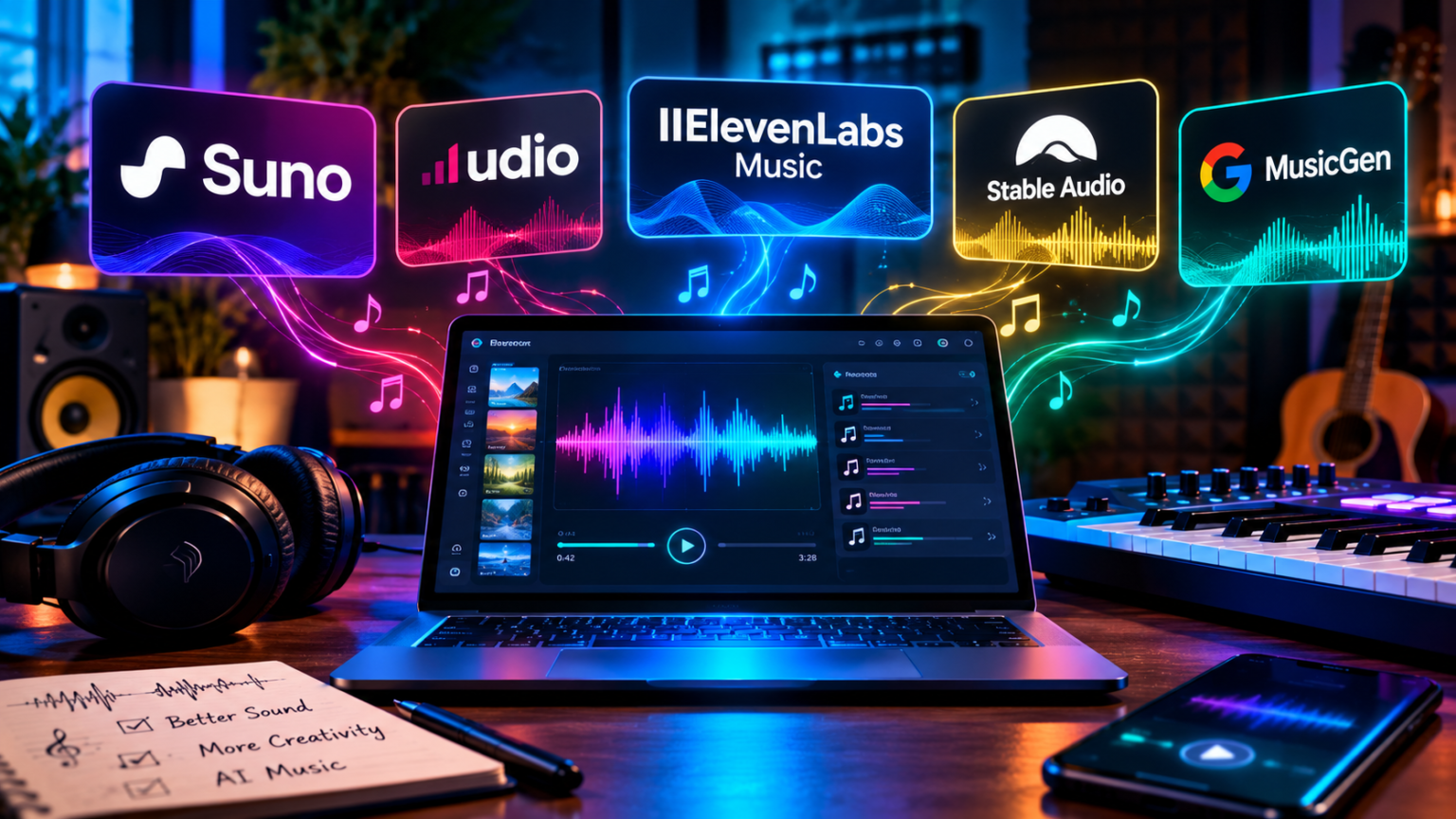
The best AI music generator for most people in 2026 is Suno, because it makes complete songs with vocals, lets paid users download them, and costs about $10 a month. Udio offers fine sound control but has kept downloads switched off, and other tools fit better if you only need background music.
- How AI Music Generators Work and What to Look For
- Quick Comparison: The Best AI Music Generators in 2026
- Suno: Best AI Music Generator for Complete Songs With Vocals
- Udio: Best for Sound Control, With a Big Catch
- ElevenLabs Music and Other Licensed-First Options
- Best AI Background Music Generators for Videos, Podcasts, and Games
- Can You Use AI-Generated Music Commercially?
- How to Choose the Right AI Music Generator
- Common Mistakes to Avoid With AI Music Tools
- Frequently Asked Questions About AI Music Generators
- Conclusion: Pick the Tool That Matches Your Goal
This guide compares the leading AI music tools on quality, pricing, commercial rights, and legal risk, so you can pick the right one before you pay for a subscription.
How AI Music Generators Work and What to Look For
An AI music generator turns a text description into audio. You type something like “upbeat indie pop song about summer road trips, female vocals,” and the tool produces a finished track in under a minute. Some tools also accept your own lyrics, a short audio clip, or a style reference.
The results can be impressive, but the tools differ a lot in what you are allowed to do with the music afterward. That is why price and sound quality should not be the only things you check.
Full Songs vs. Background Music
AI music tools fall into two broad groups:
- Song generators create complete tracks with vocals, lyrics, structure, and a chorus. Suno and Udio are the best-known examples.
- Background and instrumental generators create royalty-free music for videos, podcasts, games, and presentations. They focus on mood, length, and easy licensing instead of pop-song vocals.
If you want a shareable song, choose the first group. If you need a calm soundtrack for a tutorial video, the second group is usually safer and cheaper.
Credits, Downloads, and Commercial Rights
Three details decide whether a tool is actually useful:
- Credits. Most tools limit how many songs you can generate per day or month. A single song usually costs a set number of credits.
- Downloads. Can you save the audio file, or does the track stay locked inside the platform? Some tools now cap or restrict downloads.
- Commercial rights. Free plans are almost always limited to personal use. Paid plans usually allow commercial use, but the exact wording matters.
Always read the terms of service before you publish music made with AI, especially if you plan to earn money from it.
The Legal Backdrop: Lawsuits and Licensing Deals
AI music tools learn from huge collections of recordings, and record labels argued that this training used their music without permission. In 2024, major labels sued Suno and Udio. Since then, the story has shifted from lawsuits toward licensing deals.
Universal Music Group settled with Udio in October 2025, and Warner Music Group reached deals with both Udio and Suno in November 2025. Other label cases against Suno, including those from Sony and Universal, have been reported as ongoing, so the situation is still evolving.
For everyday users, the legal fights mostly affect the product, not your personal liability. They change what features are available, how downloads work, and how clear your rights are. That is why this comparison pays close attention to those details.
Quick Comparison: The Best AI Music Generators in 2026
The table below summarizes the main options. Prices change often, so confirm them on each official pricing page before you subscribe.
| Tool | Best for | Starting paid price | Vocals | Downloads | Commercial use |
|---|---|---|---|---|---|
| Suno | Complete songs with vocals | About $10/month | Yes | Yes on paid plans, with caps | Paid plans |
| Udio | Sound control and long-form quality | About $10/month | Yes | Restricted, switched off as of late 2026 | Check current terms |
| ElevenLabs Music | Music with a licensed-first approach | From about $6/month | Yes | Yes | Paid plans |
| Soundraw | Background music for creators | Subscription | Mostly instrumental | Yes | Yes |
| AIVA | Cinematic and classical-style scores | Free and paid tiers | Instrumental | Yes | Depends on plan |
| Mubert | Streaming and endless background tracks | Free and paid tiers | Instrumental | Yes | Depends on plan |
| Stable Audio | Sound design and short instrumentals | Free and paid tiers | Limited | Yes | Depends on plan |
Suno: Best AI Music Generator for Complete Songs With Vocals
Suno is the tool most people think of first. You describe a song, optionally add your own lyrics, and it creates a full track with vocals, instruments, and a clear song structure.
What Suno Does Well
- Complete songs quickly. Verses, choruses, and bridges often arrive in one go.
- Strong vocals. Many users consider Suno’s singing the most natural among consumer tools.
- Wide style range. It handles pop, rock, hip-hop, country, electronic, folk, and many other genres.
- Custom lyrics. You can paste your own words and let the tool set them to music.
- Editing features. Higher plans add stem separation, longer songs, and a studio-style editor.
For beginners, the learning curve is very gentle. You can get a decent result with a one-sentence prompt.
Suno Pricing and Plans
Suno offers three main tiers:
| Plan | Typical price | Credits | Commercial use |
|---|---|---|---|
| Free | $0 | About 50 credits per day, roughly 10 songs | No, personal use only |
| Pro | About $10/month | About 2,500 credits per month | Yes |
| Premier | About $30/month | About 10,000 credits per month | Yes |
A key detail: songs made on the free plan generally cannot be monetized later, even if you upgrade. If you want to publish or sell your music, start with a paid plan from the beginning.
Suno Limits to Know About
- Download caps. Reports on recent terms suggest paid users now have monthly download allowances, and free users have very limited downloads. Check the current rules before you plan a big project.
- Ownership wording. Suno grants you rights under its terms, which is not the same as owning the copyright in the usual sense.
- Legal uncertainty. Cases from some labels are still active, and the product may keep changing.
- Sameness. Songs can sound generic if your prompt is vague.
Udio: Best for Sound Control, With a Big Catch
Udio built its reputation on audio quality. Many reviewers describe its instrumentals and long-form output as more polished and controllable than the competition, which makes it popular with musicians who want to shape the result.
What Udio Does Well
- Fine control over style, structure, and extensions of a song.
- Clean, detailed sound, especially for instrumentals.
- Longer pieces built by extending a track step by step.
- Licensed-partner direction. After its deals with Universal and Warner, Udio is moving toward a licensed platform.
The Download Problem
Here is the catch. After its October 2025 settlement with Universal, Udio disabled audio, video, and stem downloads. Reports through September 2026 indicate that downloads were still off, even on paid plans, with the company saying exports will return as part of its new licensed platform.
That means you can create and play tracks inside Udio, but you may not be able to export them for use in a video, a release, or a client project. If you need files you can actually use, this is a serious limitation.
Who Should Choose Udio
Udio makes sense if you want to experiment, learn how structure and style prompts work, or enjoy the creative process. It is a weaker choice if your goal is to publish or sell what you make, until export options return and the terms are clear.
ElevenLabs Music and Other Licensed-First Options
A newer group of tools emphasizes licensed training data and clear commercial terms. ElevenLabs, best known for AI voices, offers a music feature that is available from its low-priced starter tier, and it allows commercial use on paid plans according to its published pricing.
If you already use ElevenLabs for voiceovers, adding music in the same account is convenient. For a closer look at its voice features and value, see our review: Is ElevenLabs Worth It in 2026?
Why “Licensed-First” Matters
For businesses, agencies, and serious creators, a clean legal story can matter more than a slightly better vocal. Tools that publish clear information about their training data and commercial rights reduce the risk of a takedown or a client dispute later.
What to Check Before You Commit
- Does the company explain how it trained its model?
- Does the plan clearly grant commercial rights?
- Can you download files in a standard format such as MP3 or WAV?
- What happens to your rights if you cancel?
Best AI Background Music Generators for Videos, Podcasts, and Games
If you do not need vocals, a background music generator is often the smarter choice. These tools focus on mood, genre, and length, and they usually provide simple licensing for creators.
Soundraw
Soundraw lets you pick a mood, genre, length, and tempo, then generates tracks that you can customize section by section. It is popular with YouTubers and small businesses that need a steady supply of safe background tracks.
AIVA
AIVA specializes in orchestral, cinematic, and classical-style compositions. It suits game developers, filmmakers, and anyone who wants emotional, instrumental scores.
Mubert
Mubert focuses on generative streams and background tracks. It is often used for streaming, apps, and creator content that needs continuous, non-repeating music.
Stable Audio
Stable Audio is useful for short instrumentals, sound effects, and sound design. It is a good fit if you want quick loops or atmospheric textures.
Matching Music to Your Video Project
If you are building videos with AI, music is one piece of a bigger workflow. Our guides to the best AI video generators and AI avatar and talking-head video tools can help you choose the other parts of the stack.
Can You Use AI-Generated Music Commercially?
This is the question that matters most if you plan to earn money. The short answer: often yes on a paid plan, but with real caveats.
Platform Terms Come First
Your rights start with the tool’s terms of service. Free plans are usually personal-use only. Paid plans usually allow commercial use, but the wording differs. Some tools grant you a license to use the output, rather than full ownership. Some tie commercial rights to each download. Keep your account history, the date of creation, and the plan you used for each track.
Copyright Protection for AI Music
In the United States, the Copyright Office has said that works created entirely by AI, without meaningful human creative input, are not eligible for copyright protection. Human contributions, such as your own lyrics, arrangement, editing, or performance, may be protected.
That means two things. First, you may have trouble stopping others from copying a purely AI-generated track. Second, adding your own writing and production work can strengthen your position. Rules differ in other countries, so check local guidance.
Streaming Services and Distribution
Streaming platforms and distributors have introduced policies on AI music, including disclosure rules and filters against spam and impersonation. Uploading hundreds of low-effort tracks or copying a real artist’s voice can get your catalog removed. Read the rules of any distributor before you upload.
YouTube and Content Platforms
Monetized videos can include AI music if you have the right to use it. A paid plan with clear commercial rights is the safest route. Avoid prompts that name real artists or ask the tool to imitate a specific singer’s voice, since that can lead to takedowns and legal trouble.
| Use case | Free plan | Paid plan with commercial rights | Extra care needed |
|---|---|---|---|
| Personal fun and experiments | Yes | Not needed | None |
| Background music for a monetized video | Usually no | Yes | Keep proof of your plan |
| Releasing songs on streaming services | No | Yes, if downloads are allowed | Check distributor rules and AI disclosure |
| Client work or advertising | No | Yes, with clear terms | Prefer licensed-first tools |
| Imitating a real singer | Avoid | Avoid | High legal and platform risk |
How to Choose the Right AI Music Generator
Follow these steps, and you will pick the right tool in a few minutes.
- Define your goal: fun, content for videos, or income from songs.
- Decide whether you need vocals. If not, a background generator may be enough.
- Check downloads and export formats before you subscribe.
- Read the commercial terms for the exact plan you plan to buy.
- Test with free credits to see if the style fits your taste.
- Start with a monthly plan, not an annual one, since this market changes quickly.
- Save your prompts and files so you can prove how you made each track.
If You Want Fun Songs for Friends and Family
Start with a free plan from Suno or another song generator. Personal use is fine, and the creative payoff is high. Do not worry about commercial terms unless you decide to publish.
If You Make YouTube Videos or Podcasts
A background music generator with simple licensing is usually the lowest-risk option. If you want custom songs with vocals for intros or jingles, a paid Suno plan or a licensed-first tool can work, provided downloads and rights are clear.
If You Want to Release Music
Be careful. Choose a tool with downloads and commercial rights, add your own creative input, and follow the AI rules of your distributor. Consider hiring a musician or producer to refine the track.
If You Work for Clients or a Business
Prioritize clear licensing, documentation, and low legal risk over small quality differences. A licensed-first or royalty-free tool is usually the safer choice.
| Your situation | Best starting choice | Why |
|---|---|---|
| Casual fun | Suno free plan | Fast, easy, and low cost |
| YouTube background music | Soundraw or similar | Simple licensing for creators |
| Cinematic scores for games or film | AIVA | Orchestral focus |
| Songs with vocals to publish | Suno Pro | Downloads and commercial rights |
| Experimenting with sound control | Udio | Detailed control, but check exports |
| Business or client work | Licensed-first tool | Lower legal uncertainty |
Common Mistakes to Avoid With AI Music Tools
These mistakes are easy to make, and some are expensive.
Publishing Free-Plan Tracks
Tracks made on a free plan are often personal-use only. If you later upgrade, they may still not be cleared for commercial use. Regenerate important songs on a paid plan.
Naming Real Artists in Prompts
Prompts like “sing like [famous artist]” can produce risky results and may violate platform rules. Describe the style, mood, and instruments instead.
Ignoring Download Limits
If a tool restricts downloads, you may not be able to retrieve a track later. Download what you need as soon as your plan allows, and keep backups.
Paying for a Year Upfront
The market is changing fast, with new models, new licensing deals, and new restrictions. A monthly plan gives you the freedom to switch if a tool changes its rules.
Skipping Your Own Creative Input
Purely generated tracks tend to sound similar and may have weaker copyright protection. Write your own lyrics, edit arrangements, and add your own recordings to stand out.
Frequently Asked Questions About AI Music Generators
What is the best AI music generator in 2026?
For complete songs with vocals, Suno is the most practical choice for most people. For background music, tools like Soundraw, AIVA, and Mubert are often a better fit. For detailed control, Udio is strong, but check the current download rules.
Is Suno better than Udio?
It depends on your goal. Suno is easier to use and lets paid users download tracks. Udio is praised for sound control and quality, but downloads have been restricted, which limits what you can do with the results.
Can I use AI-generated music on YouTube and make money?
Often yes, if you use a plan that grants commercial rights and follow the platform’s terms. Avoid free-plan tracks, avoid imitating real artists, and keep records of your plan and files.
Can I copyright a song made with AI?
In the U.S., purely AI-generated material generally cannot be copyrighted, but human contributions such as lyrics, arrangement, and editing may be protected. Rules vary by country, so check local guidance and consider legal advice for important projects.
Is it legal to use Suno or Udio?
Using these tools is legal. The lawsuits focus on how the companies trained their models, not on individual users. The practical effect for you is product changes, such as new models, download limits, and updated terms.
Are there free AI music generators?
Yes. Suno, Udio, and several background music tools offer free plans or trials. Free plans usually limit credits and prohibit commercial use, so they are best for testing and personal projects.
Will AI music replace human musicians?
AI tools can create convincing tracks, but human musicians bring originality, live performance, and artistic identity. Many professionals use AI for drafts and ideas, then add their own work. For listeners, authenticity and personality still matter.
Conclusion: Pick the Tool That Matches Your Goal
AI music generators have moved from novelty to useful creative tools. Suno leads for full songs with vocals, Udio appeals to people who want control but faces export limits, ElevenLabs Music and other licensed-first options suit users who care about clear rights, and background generators handle video and podcast soundtracks.
The smartest way to choose is to start with your goal, read the commercial terms, confirm that downloads work, and begin with a monthly plan. Add your own creative touch, and avoid prompts that imitate real artists.
If you remember one idea, make it this: the best AI music tool is the one whose rights and downloads match what you plan to do with the song. Try a free plan this week, write one original lyric, and see how far a good prompt can take you.
This article is for general information only and is not legal, financial, or professional advice. AI tools change prices, features, and terms often, so confirm details on each provider’s official website and consult a professional before relying on AI-generated music for commercial projects.