

n8n: The Ultimate Automation Tool to Turn Your AI Content Business Into a 24/7 Machine
One of the ways to make your AI content business run smoothly and efficiently is by using n8n. This tool helps you connect platforms like AI tools, content creation tools and sales systems. This means you can create, publish and sell content with little manual work every day.
This tutorial will show you how to use n8n to automate your AI business. You will learn how to start from an idea and take it all the way to getting paid.
You will learn about the tools to use the most useful workflows and how to build a system that works all the time.
Why n8n Is Perfect for AI Businesses
n8n is better than Zapier because it is source and more flexible. It is also cheaper and more powerful for tasks. You can host it yourself for control over your data and unlimited use or you can use their cloud version to get started quickly.
n8n is great for working with AI because it can handle AI models like Claude, Grok and GPT. It can also connect them easily with tools.
With n8n you can do things automatically.
You can create high-quality content using AI.
You can make videos, voiceovers and thumbnails.
You can publish to WordPress, YouTube, social media and email.
You can deliver products and memberships right away.
You can track how well your content is doing and trigger follow-up actions.
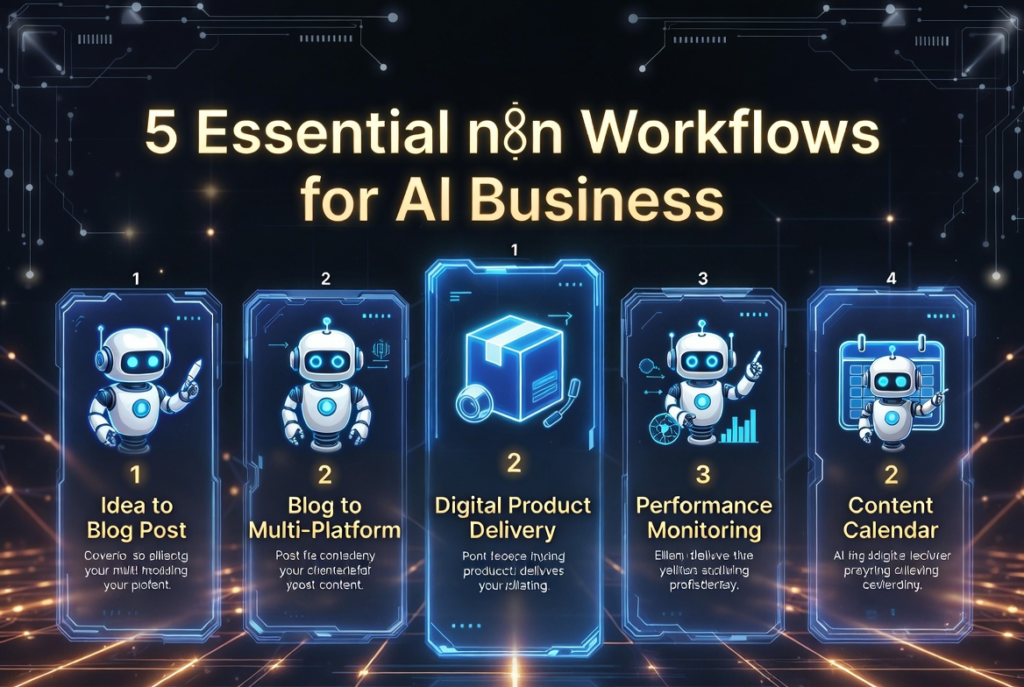
The 5 Essential n8n Workflows Every AI Business Needs
Here are the automations that will give you the best results:
- Idea → Published Blog Post
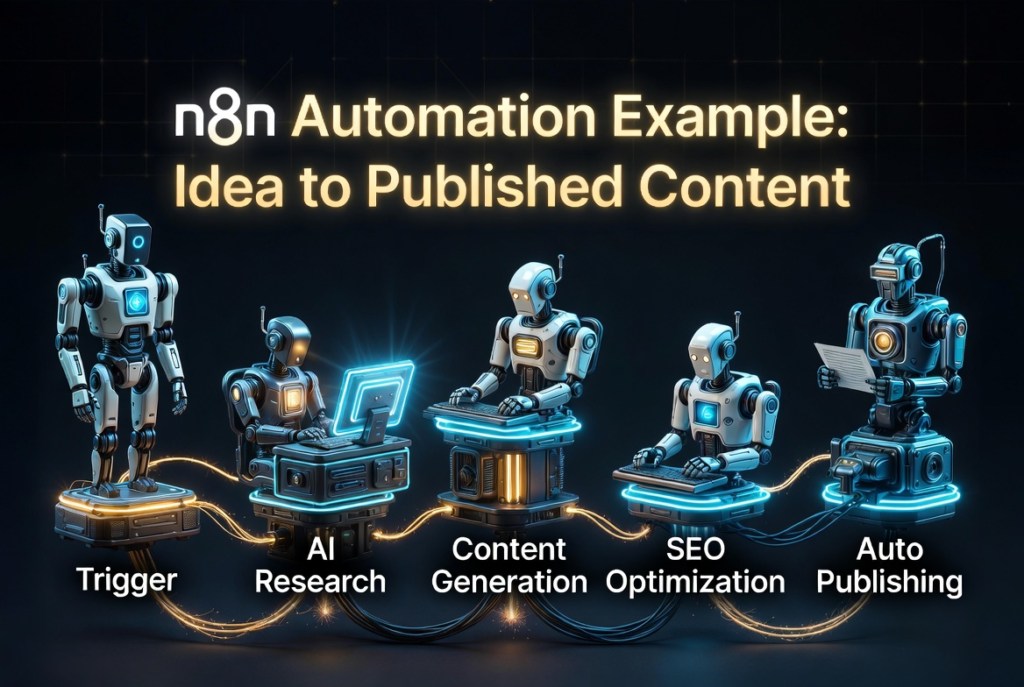
This starts when you add a row in Google Sheets or a new item in Notion database.
Then it does these things: it researches using AI generates an outline writes an article that is optimized for search engines creates a meta description and images and publishes it to WordPress.
- Blog Post → Multi-Platform Repurposing Machine
This starts when you publish a blog post.
Then it does these things: it generates a YouTube script creates a voiceover using ElevenLabs generates a video using Kling/Runway creates a thumbnail uploads the video to YouTube creates Shorts/Reels and posts threads on X, LinkedIn and Instagram.
- Digital Product Sales Automation
This starts when you make a sale on Gumroad, Payhip or Stan Store.
Then it does these things: it sends an email delivers Notion templates or prompt packs adds the buyer to your email list and membership and starts an upsell sequence.
- Performance Monitoring Dashboard
This starts on a schedule.
Then it does these things: it pulls data, from YouTube, Google Analytics, Gumroad and your email tool generates a performance report sends it via email or Slack and suggests content ideas based on what is working well.
5. Content Calendar Automation
This starts on an weekly schedule.
Then it does these things: it generates new content ideas scores them based on how well they might do creates a full content calendar and adds the best ideas to your Google Sheet or Notion for further work.
I think using n8n. Some other AI tools can be a good way to make a powerful system for creating content.
To start you can use n8n as the tool to automate things.
You can use the version of n8n that you can host yourself.
Then you can use Claude 4.6 to help you create content and think about your strategy.
You can also use Grok 4 to come up with ideas and look at things from angles.
If you want to make videos you can use Kling AI 3.0 or Runway Gen-4.5.
For selling things you can use Gumroad or Stan Store.
You can keep track of all your content and plans in Notion or Google Sheets.
Then you can publish your content on WordPress and YouTube.
This system is very powerful. Does not cost a lot of money.
Most people who create content can use this system for under $100 to $150 per month.
This is a price for something that helps you work like a professional.
If you want to make your n8n workflow you can follow these steps.
First you need to install n8n.
If you are new to n8n you can start with the version that is hosted in the cloud.
It is better to use the version that you can host yourself so you have more control.
Next you need to make a workflow and give it a name that makes sense.
For example you can name it “New Idea → Blog Post Draft”.
Then you need to add a trigger node.
This is usually something like a row in Google Sheets or a new item in Notion.
You can also set up a trigger to happen at a time.
Next you need to connect the AI node using Claude or another AI tool.
You need to write a prompt to help the AI tool do research and create content.
Then you need to add the nodes that will do the work.
This can include things like formatting text making a draft in WordPress sending notifications or making images.
Finally you need to test your workflow to make sure it works.
You should try it with a few examples and fix any problems that you find.
Then you can turn it on. Let it work.
The important thing is to start simple.
Get one workflow working well before you try to add things to it.
This will help you feel confident and not get frustrated.
If you can get a workflows working well your system, for creating content will start to work smoothly.
You will be able to stop doing all the work yourself and just oversee things and make improvements.
You will be using n8n and the other AI tools to make your content.
This will help you save time and make content.
You can use n8n. The other tools to make your content system work well.
Final Thoughts
I think n8n is really cool because it lets you make automations that most people can only dream of. When you use n8n with intelligence that creates content you can make a business that pretty much runs on its own.
So today why not start with something. Make one workflow. Then add another one when that is working. Before you know it you will have an automated system that helps your whole artificial intelligence company in just a few weeks.
Do you use n8n now? What part of your intelligence business do you want to automate first. Making content uploading videos to YouTube sending out products or keeping an eye on how things are going? If you tell me in the comments I will share the structure and nodes you need to get started.
Are you ready to automate your artificial intelligence business with n8n? If so write “N8N” in the comments and I will send you my free “n8n Artificial Intelligence Business Automation Starter Kit” that has workflows, node configurations and templates for you to use.
Build the system. Let it run.
Lots of people are providing this payment information! Thank you